
Building Production-Ready AI Agents With N8N: Development Architecture and Best Practices

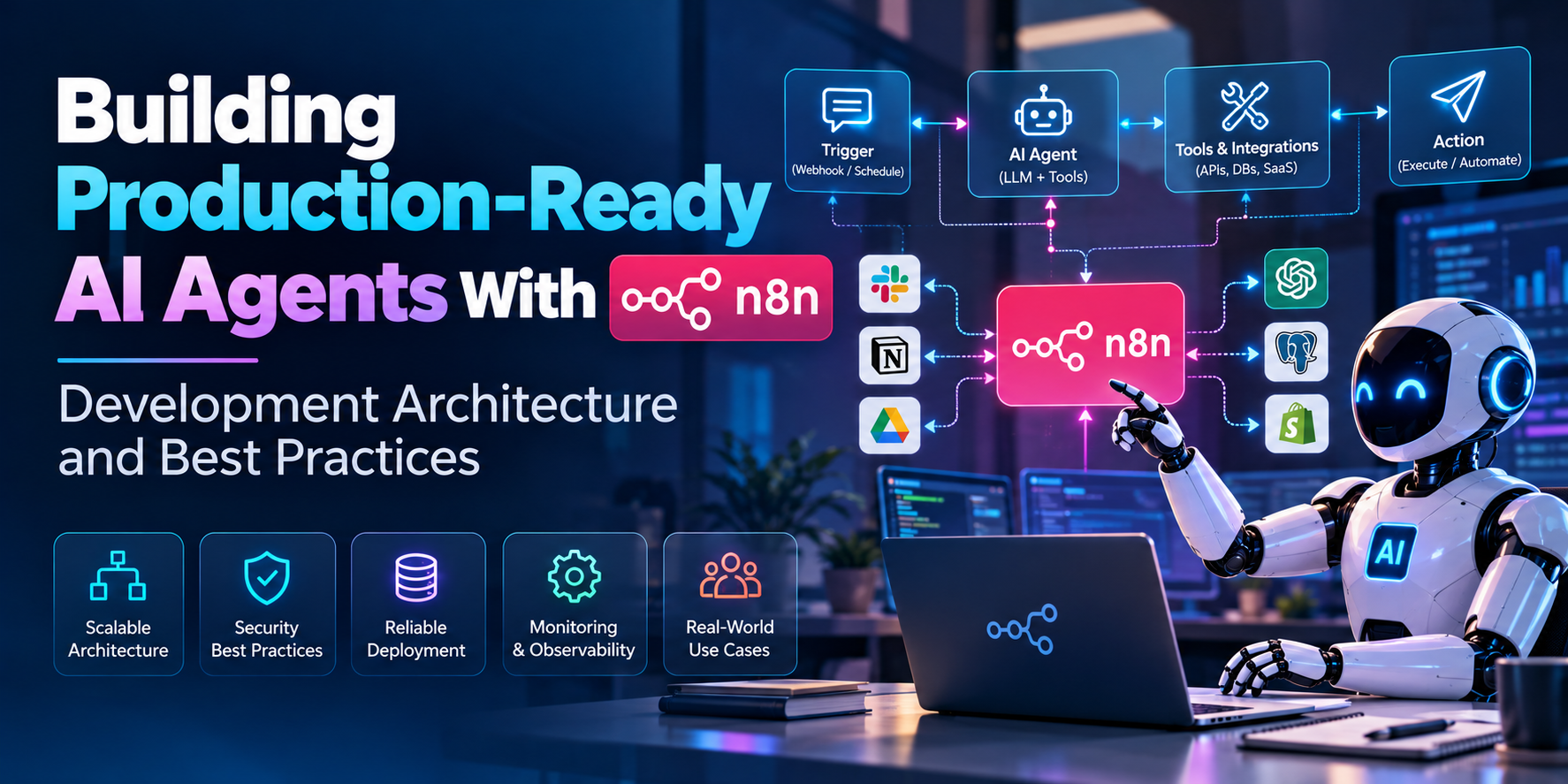
Most n8n agents begin life on a Friday afternoon. Somebody has an idea, drags a few nodes onto the canvas, connects a model, and by evening it's answering questions about company policy. Everyone's impressed. By the next Wednesday it has replied to a customer with a made-up refund rule, hit an API limit at 2 a.m., and nobody can say which run did what.
So the real shift isn't about whether n8n can run an agent, because it clearly can. It's about what separates the Friday version from something a business can leave running. Honestly most of that difference has nothing to do with the model, it sits in the plumbing around it.
Think of the Agent as One Part of a Pipeline
A common mistake is treating the agent node as the whole system. In AI agent development with n8n, the agent is more like one employee in a small department. It needs someone handing it clean work, someone checking what it produces, and someone keeping records.
A flow that holds up well looks roughly like this:
Intake → Validation → Agent → Action Gateway → Review → Audit Log
Intake catches the request. Validation checks that it's complete and allowed. The agent reasons and picks a step. The action gateway is the only place where real changes happen, like writing to a CRM or sending an email. Review is where a person steps in for anything sensitive. The audit log keeps a plain record of what happened and why.
Splitting it like this sounds like extra work at first, kind of like building a hallway before you've even got rooms. But it means the agent never touches live systems directly, and that single choice prevents a lot of bad days.
Let the Agent Suggest, Let the Workflow Act
This is probably the most useful habit in n8n AI automation. Language models are good at deciding what should happen and less good at being trusted with the keys. So have the agent return a clear proposal, such as "refund 40 dollars to order 1182", and let a normal, predictable workflow check that proposal against hard rules before anything runs.
If the amount is over a limit, the workflow pauses and asks a person. If the order doesn't exist, it rejects the action and tells the agent why. The agent stays flexible, and the risky part stays boring and deterministic. That's the combination you want.
Design Choices Worth Settling Early
A few decisions are much cheaper to make before building than after:
Where does memory live, and how long should it be kept
Which tools can the agent call, and with what limits on inputs
What should happen when two runs try to change the same record
How are prompts versioned, so a tweak can be rolled back
Which model handles which step, since a small one can do the sorting
What is the monthly spend ceiling, and what happens when it's reached
Memory deserves extra thought. Keeping every past message makes runs slower and pricier, and it can leak details from one customer into another conversation. Short, scoped memory tied to a single case is usually safer.
Make Runs Safe to Repeat
Workflows fail halfway. A webhook gets sent twice, a server restarts, a retry kicks in. If the agent already created an invoice before the failure, the retry shouldn't create a second one.
The fix is to give each request a unique ID and check it before any write happens. It's a small piece of design, but it separates a toy from something finance would actually allow near their systems.
Testing an Agent Is Not Like Testing a Normal Workflow
A regular automation either works or it doesn't. An agent can work in nine out of ten cases and quietly embarrass you on the tenth. So the testing has to look different.
Build a set of real examples, including the ugly ones: misspelled requests, missing fields, angry customers, questions the agent should refuse. Run them after every change to prompts, models or tools. Keep the results side by side so you can see whether a tweak helped or just moved the problem somewhere else. n8n's saved executions make it easy to replay past inputs, which is a handy way to collect these cases from real traffic.
Watching It After Launch
Launch is when the interesting data starts showing up. Useful things to track include how often the agent asks for help, how often a human overrides it, how long runs take, which tools fail most, and what each completed task costs.
Set alerts on the boring stuff too, like error rates and unusual spikes in model usage. A loop that keeps calling a model all night will not announce itself politely.
Running It Where It Needs to Live
Many teams pick n8n because they can host it themselves, which keeps sensitive data inside their own environment. For bigger loads, splitting work across several workers keeps one heavy run from blocking the rest. Whatever the setup, treat it like any other production service: separate environments for testing and live use, backups, controlled access to credentials, and a plan for upgrades.
It's not glamorous, and it's usually what decides whether the system is still alive a year later.
When It Makes Sense to Hire n8n Developers
Some companies have strong internal engineers who can pick this up. Others find the learning curve eats months. When you need n8n developers, a conversation tells you more than a resume. A few questions worth asking:
How would you stop an agent from taking an action twice?
Where would a human approval step sit in this workflow?
How do you test prompt changes safely?
What would you log, and who would read it?
When would you advise against using an agent here?
Developers who have run agents live usually answer with specific stories. People who haven't tend to describe features. Also check that they can handle the unglamorous part, connecting to older systems with awkward APIs, since that's where schedules tend to slip.
Build Around the Risk, Not Around the Model
A production-ready agent isn't the one with the most tools or the cleverest prompt. It's the one where somebody thought carefully about what could go wrong and put a sensible limit there. Sometimes that leads to a smaller agent than the team imagined, and sometimes to a workflow with no AI in it at all, which is a fine result.
For companies exploring this direction, the best investment may be a team that treats the agent as part of a larger system, not a feature on a canvas. Organizations looking for that kind of help can work with experienced engineering teams, where n8n AI agent development is handled as both a business and an engineering challenge.